Review and Approve Work

Review the evidence, choose approve or reject, then sign.
What this helps you do
Clear pending gardener submissions: review the action, evidence, and details, then approve good work or reject work that needs correction.
Owners and operators can approve or reject work. Evaluators can make assessments, but they cannot approve work unless they are also an owner or operator.
You can review from the mobile app/PWA or from admin. Use the app when you are already in the garden. Use admin when you are working through a queue.
Before you start
- You are signed in as a garden owner or operator.
- There is at least one pending submission in the work queue.
- You are online and ready to sign the decision.
- If you use an external wallet, keep a little Arbitrum gas available.
If you can see the submission but not the approve/reject controls, you do not have approval authority for that garden.
Step-by-step flow
Option A: Review in the app/PWA
Use this when you are on mobile or already looking at the garden.
- Open the Green Goods app and go to Home.
- Open the garden that owns the submission.
- Open the Work tab and select a pending submission.
- Review the action, details, media, and gardener notes.
- Tap Approve if the evidence is enough.
- Tap Reject if the gardener needs to fix or resubmit something.
- Add concise feedback, submit, and sign when prompted.
Option B: Review in admin
Use this when you are clearing a larger queue or need desktop context.
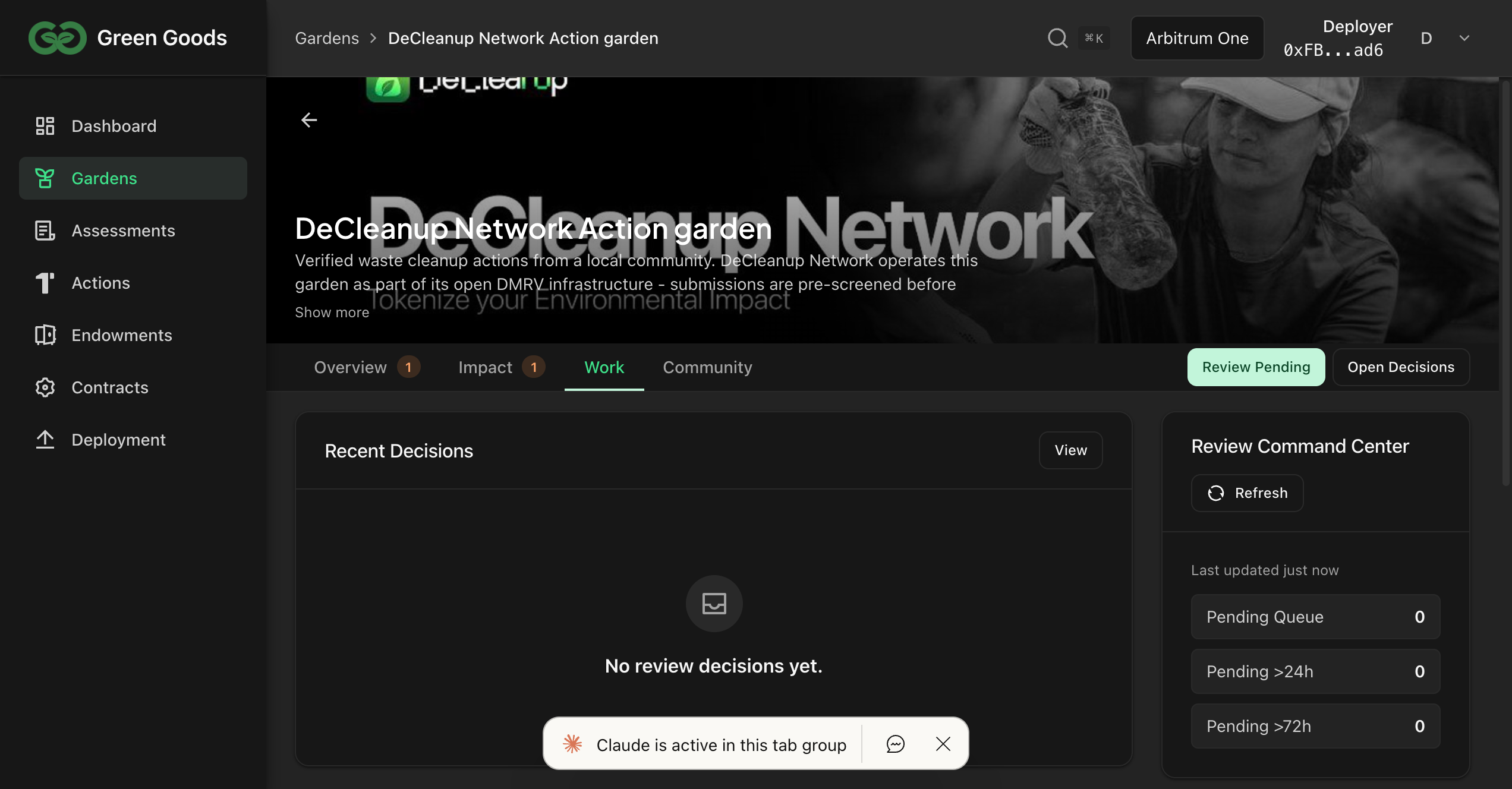
- Open the Hub workspace.
- Stay on Work.
- Use the garden picker when you only want one garden.
- Filter to Pending to see what still needs a decision.
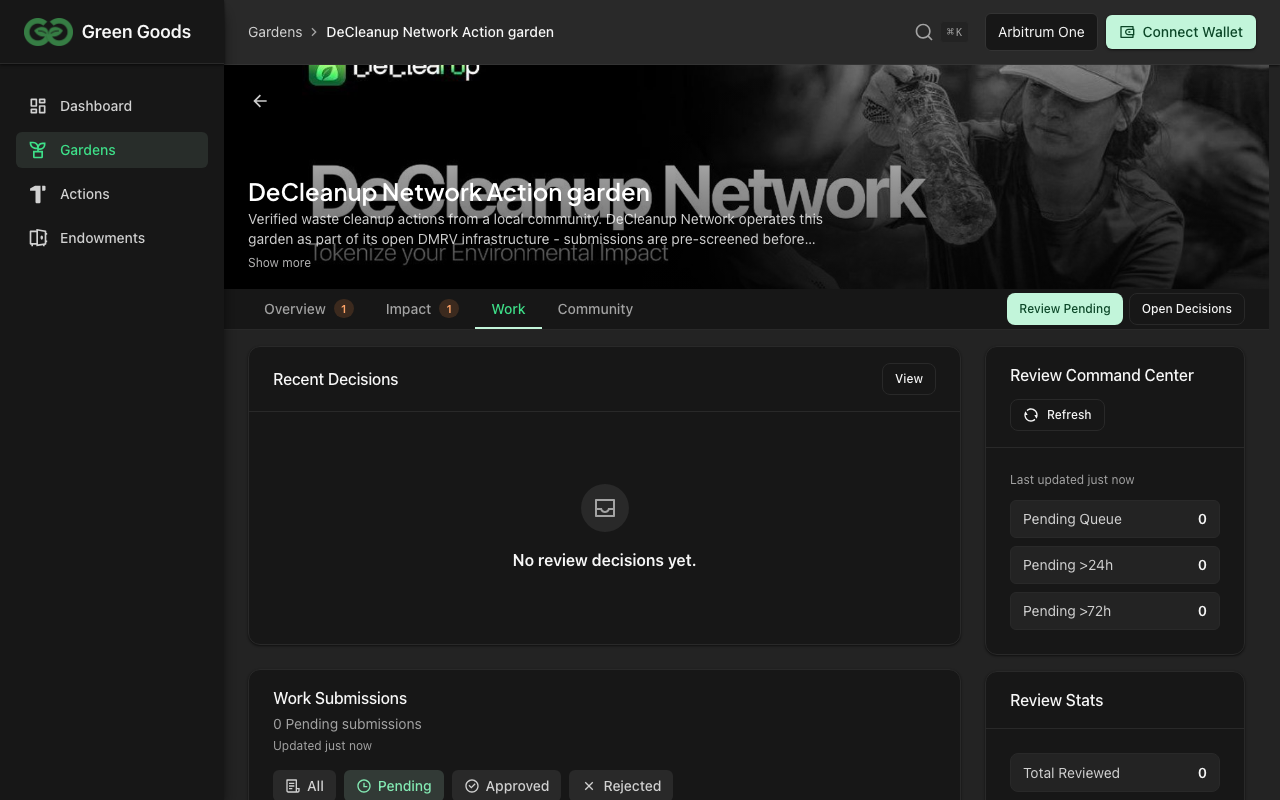
Open one submission
- Click a submission.
- Review the action, garden, details, media, and notes.
- Compare the evidence against the action requirements and assessment context.
- If something is unclear, reject with a specific request instead of guessing.
Approve or reject
To approve:
- Add a short verification note if it helps future reviewers.
- Click Approve.
- Sign the transaction.
To reject:
- Explain exactly what needs to change: the field, photo, count, action, or garden. If the evidence is inconclusive, ask for the missing proof here.
- Click Reject.
- Sign the transaction.
Specific rejection feedback saves time. "Photo is too dark to verify tree count; retake in daylight and resubmit against this action" is better than "insufficient evidence."
How to know it worked
- The submission status changes to Approved or Rejected.
- It drops out of the pending queue.
- The gardener sees the new status and any rejection feedback in their Work Dashboard.
- You can find the reviewed item again in the history/completed view.
If something goes wrong
- No Approve/Reject buttons. You are not an owner/operator for this garden. Ask the garden owner to add the right role.
- Selected garden error. Reload and open the submission from the queue again.
- Transaction cancelled. Nothing was recorded. Retry when ready.
- Transaction failed. Check the wallet message, make sure you are on Arbitrum, confirm the same signer is connected, and retry when the wallet has enough gas.
- Wrong decision. Decisions are recorded once submitted. If you rejected valid work, ask the gardener to resubmit; if you approved weak evidence, flag it for the garden owner before assessment or certification.
- Still stuck. Use the Green Goods Telegram support link in the docs footer.
Next step
Next page
Mint an impact certificate
Once the assessment and approved work tell a coherent story, package them into the certificate flow.
Mint Impact Certificate