Funder Guide
What this helps you do
This is the core funder path: donate directly to a garden, endow a garden through a vault, or remove your endowment later.
Donate and Endow both support a garden, but they are different:
- Donate sends direct support through the garden's Cookie Jar for verified work.
- Endow deposits into a vault designed to preserve your principal while yield supports the garden.
- Remove an Endowment withdraws principal from an existing vault position.
The public /fund page supports Donate and Endow. To see your active endowment or remove it, sign in to the app and open the garden's Treasury drawer.
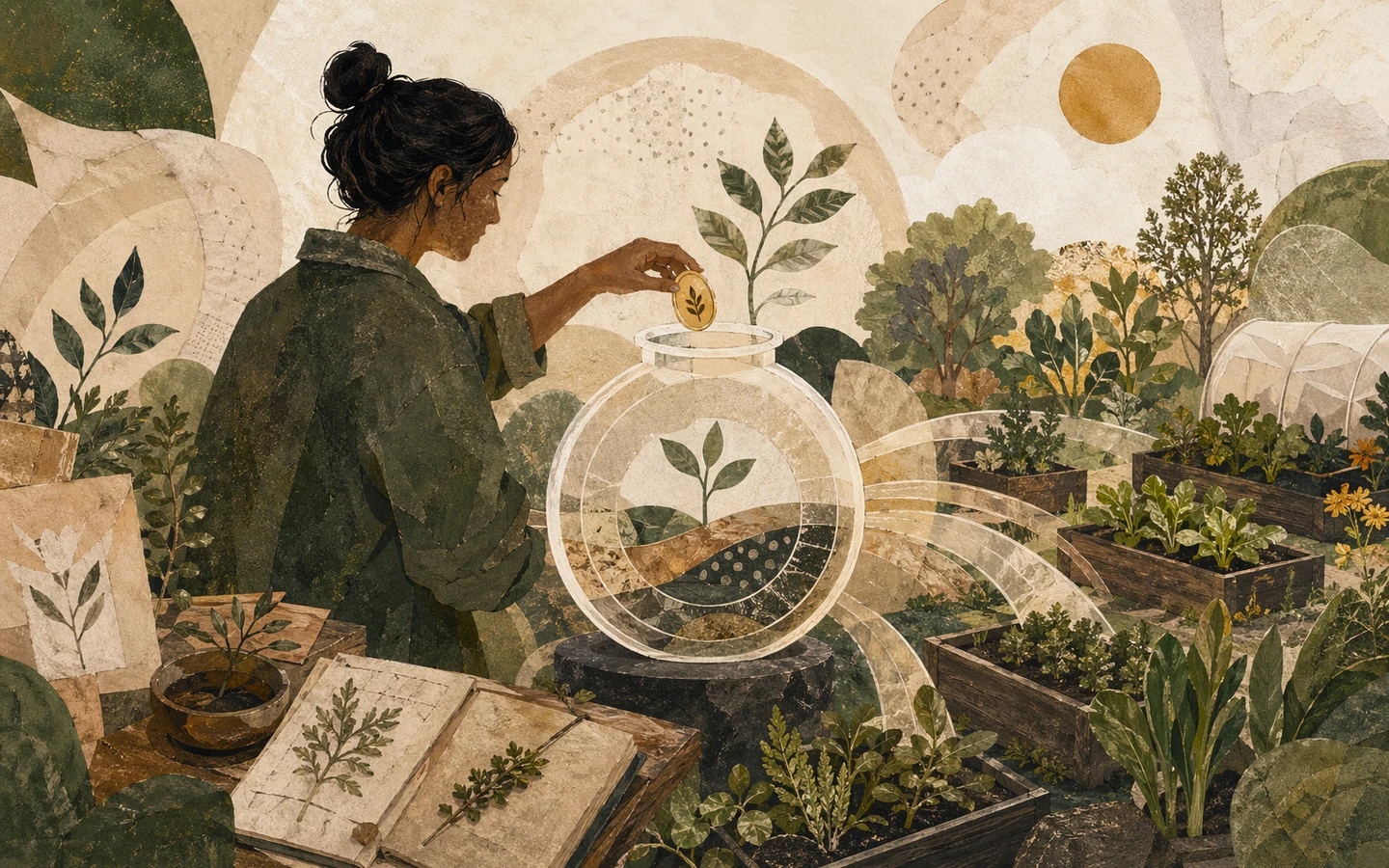
Donate to a Garden
Use the public Fund page to send direct support through a garden's Cookie Jar.
DonateEndow a Garden
Choose a garden, pick a supported asset, deposit into its vault, and confirm your endowment position.
Endow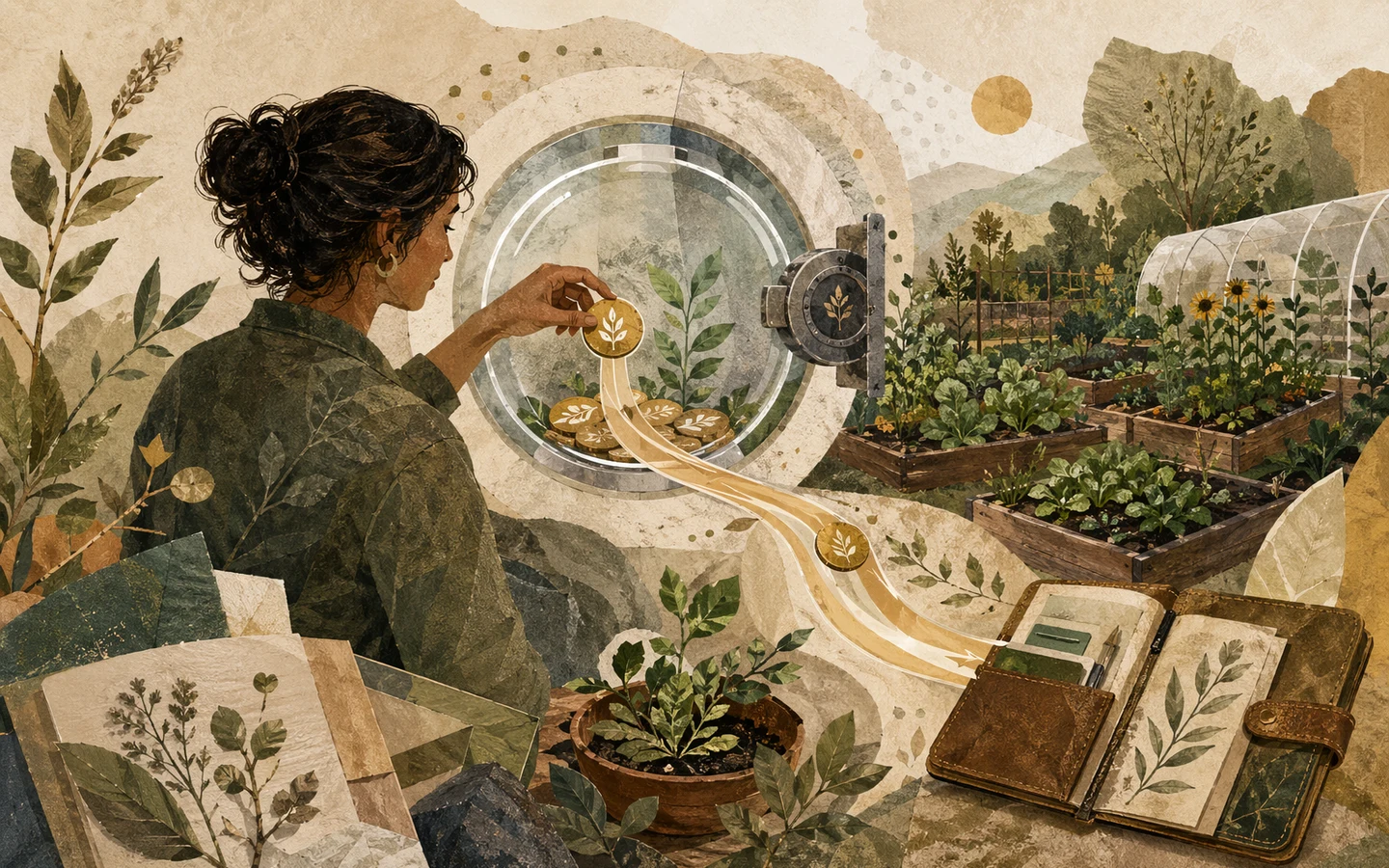
Remove an Endowment
Open the authenticated Treasury drawer, find your active endowment, choose an amount, and withdraw principal.
RemoveGood funding habit
Before you donate or endow, open the garden and look at its recent approved work. After you endow, check the Treasury drawer so you know where your position and removal controls live.