Evaluator Guide
An evaluator helps a garden say what it is trying to change and how it will know. You do that by writing an assessment: a short, public statement of the starting point, the goal, and what will be measured. Stewards then review work against it.
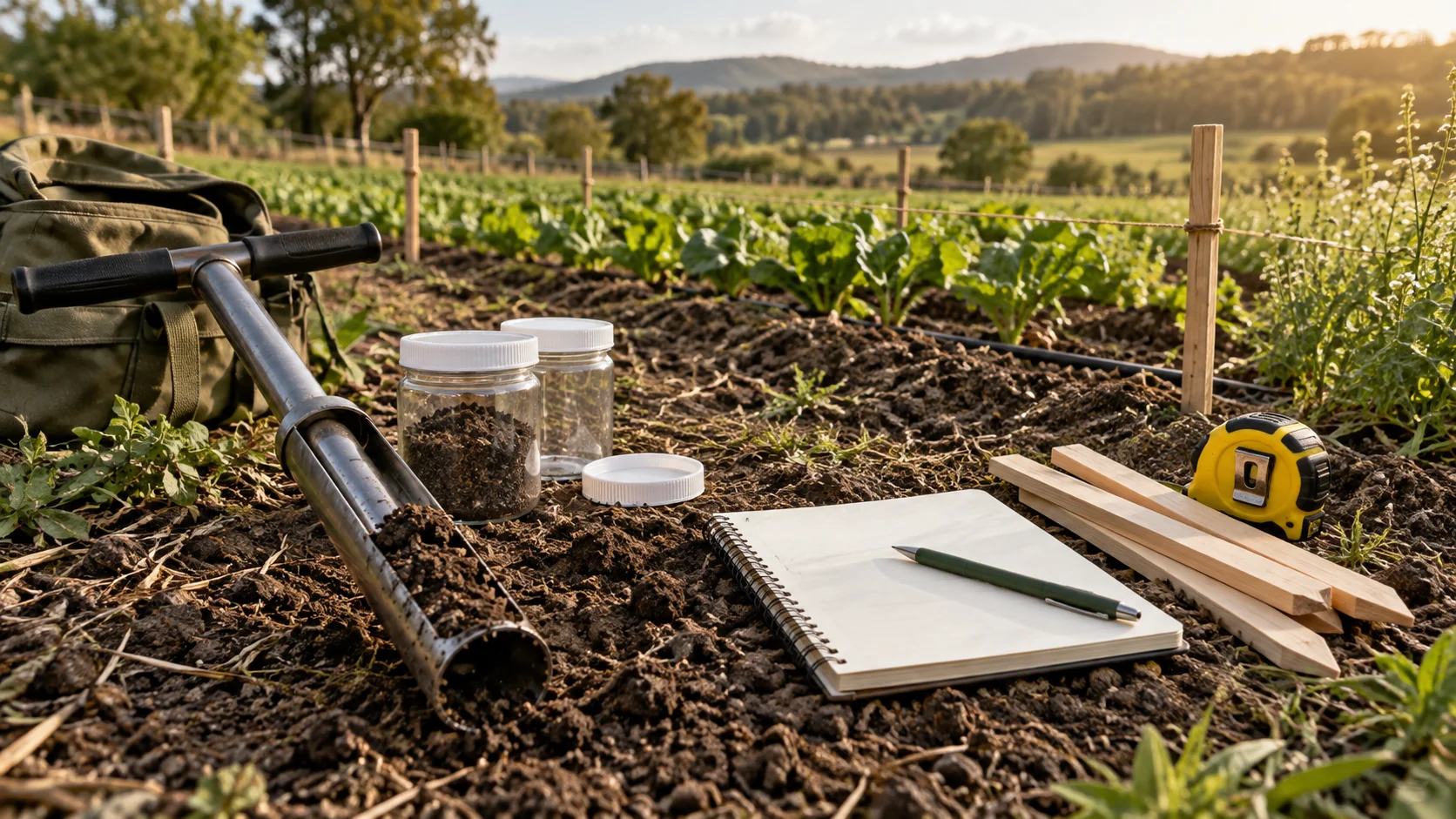
You do not need to be a scientist. You need to know the subject well enough to ask good questions: a forester for a planting garden, a teacher for a class, an engineer for a solar site.
What an evaluator does, and does not do
| An evaluator does | An evaluator does not |
|---|---|
| Write an assessment before the work starts | Approve or reject submitted work. That is the steward's job |
| Help a garden choose what to measure and what target to aim for | Add or remove members |
| Read the garden's assessments and certificates | Change the garden's settings or funds |
| Read the garden's health and activity | Create an impact certificate |
The split is deliberate. The person who sets the bar is not the person who judges each piece of work against it, so neither can quietly move the other's result.
One person can hold both roles. Every steward is given the evaluator role too, so a steward can write assessments. An evaluator who is not a steward cannot review work.
How an assessment shapes what follows
Think of an assessment as the garden's "before" picture, with the "after" it is aiming for.
- Before the work: an evaluator or steward writes the assessment. It names one area of work, the challenge, the outcomes to measure, and the period it covers.
- During the work: gardeners submit. Stewards review each submission against the action it was submitted under, with the assessment as the context for what the garden is trying to do.
- After the work: the assessment is the frame for an impact certificate. The certificate bundles approved work, and the assessment says what that work was for.
An assessment cannot be edited or deleted after you submit it. If the plan changes, write a new one.
It is not a review of anyone's work. An assessment describes a place and a plan. Judging a submission is called approval, and stewards do it.
Assess change after the work
An initial assessment records the starting point and plan. A post or delta assessment compares later results with that baseline. These are different records. The current dashboard form creates an initial assessment only; it does not offer a delta submission or baseline selector. Keep the measurements and original baseline together, and agree the next assessment with your garden. The supported post/delta workflow and its guide remain follow-up work.
Get evaluator access
A garden's owner or steward gives you the role. There is no request button for it.
Before you start
- Have a Green Goods account. A passkey account or a wallet both work.
- Know which garden you are helping, and who runs it.
Steps
- Open admin.greengoods.app and sign in.
- On the No garden access yet screen, open your profile and copy your account address.
- Send the address to a steward or owner of the garden, and ask to be added as an evaluator.
They add you from Community, on the Members tab. Manage Members shows them how.
How you know it worked
The next time you open the dashboard, the garden loads and you land on the Hub.
What happens next
You act next. Write the garden's first assessment, or read the ones already there to see how the garden describes itself.
If something goes wrong
| What you see | What to do |
|---|---|
| No garden access yet, after you were added | You are signed in to a different account than the one that was added. Compare the address in your profile with the one you sent |
| Wallet required | You signed in with an email or social login, which the dashboard does not accept. Use a passkey or a wallet |
| You can see the garden, and there is no Work tab | That is expected. Reviewing work needs the steward role |
| You tapped Request Steward Access by mistake | Open the request and tap Withdraw. That request is for the steward role, not the evaluator role |
Where you work
In the steward dashboard, with the garden's name showing at the top left:
- Hub, on the Assessments tab, lists the garden's assessments. Create Assessment starts a new one.
- Hub, on the Hypercerts tab, lists the garden's impact certificates.
- Garden shows the garden's Health, Impact, and Activity.
Working with the data
Everything a garden records is public, and you can study it outside Green Goods. That is technical work, so it lives in the builder docs. Start with the API Index.
An assessment is the one thing only this role is for. Start with the garden's most important area of work.