Anatomy of a Work Submission
The fastest way to understand Green Goods is to follow one piece of work all the way through: from a phone in a garden with no signal to a verifiable record a funder can check. Every package appears here in its real role, so by the end you'll know where any change you're planning would live.
The trace below follows the real thing on Arbitrum One. The schema links open the live registry, and every stage names the code that owns it.
1. Capture
A gardener documents work in the client PWA: pick the action, capture the
media, review before submitting. The flow controller behind those screens lives in
packages/shared/src/hooks/client-ui/work/useWorkSubmissionFlowController.ts. Nothing here
requires connectivity; photos, notes, and the chosen action all stay on the device.
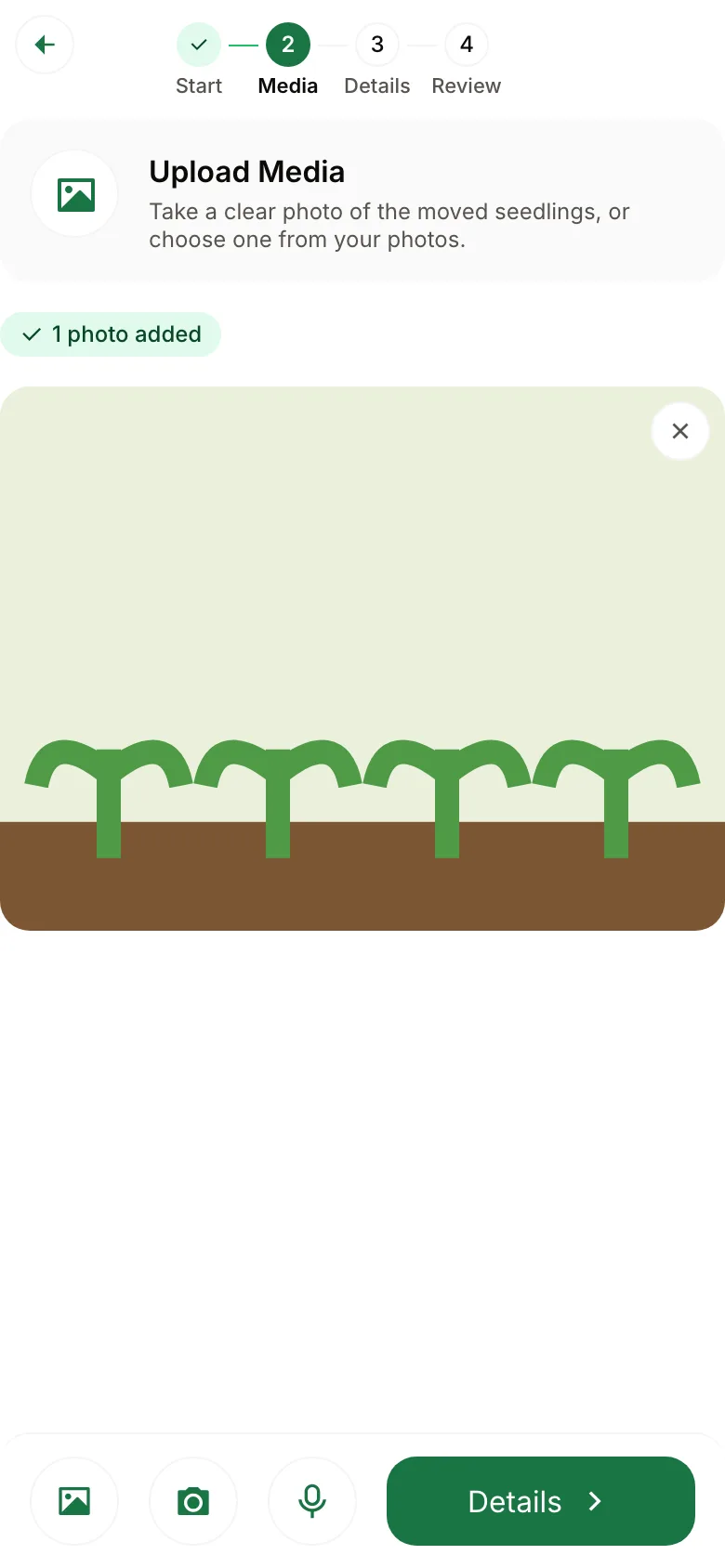
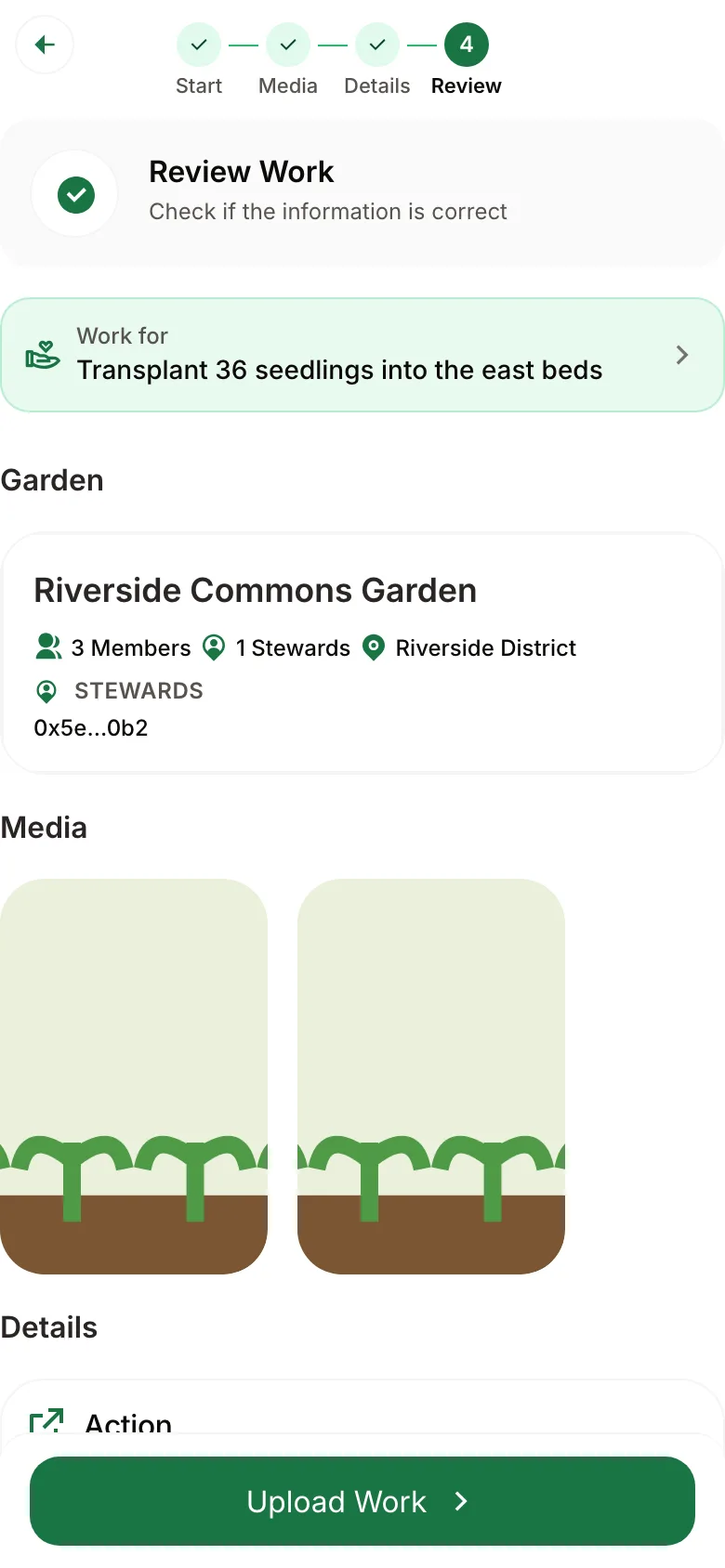
Two of the four capture steps in the installed PWA: media, then review.
2. Queue
Submitting hands the work to the shared job queue (packages/shared/src/modules/job-queue),
which saves it on the device. It survives restarts and dead zones, so a gardener without signal
loses nothing.
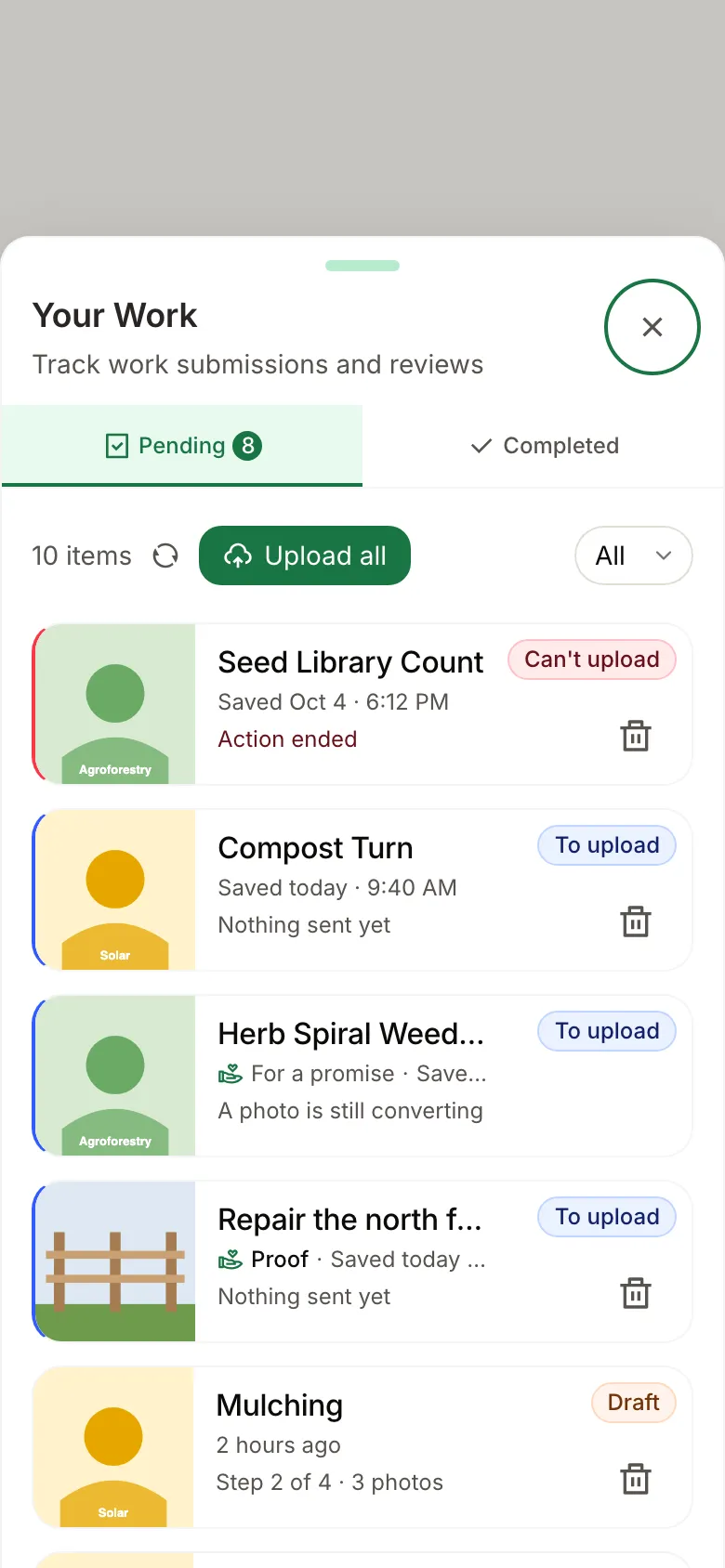
Once the connection is back, the app gets the queued work ready in the background, for wallet
and passkey users alike (packages/shared/src/modules/work/upload-preparation.ts). Sending still
waits for the gardener: they open Your Work and tap Upload all, and everything goes up in one
step. Nothing is sent on their behalf.
3. Attest
When the gardener taps Upload all, the queue's work executor
(packages/shared/src/modules/job-queue/work-executor.ts) builds the contract call from the
encoded submission (encodeWorkData in packages/shared/src/utils/eas/encoders.ts) against the
Green Goods Work Submission schema
and writes the attestation. The write succeeds only if
Work.sol
approves it. The resolver checks the submitter's hats for that garden:
gardeners can submit, and so can stewards and the garden's owner, because each role includes the
ones below it. An unauthorized submission doesn't become a bad record; it never becomes a record
at all.
4. Land in the read paths
Two read paths pick the work up, deliberately separate:
- The attestation itself is read through the shared EAS data layer; attestations stay out of the Envio indexer on purpose, so the record's truth path is independent of ours.
- The protocol events around it (garden state, membership, module activity) flow through the indexer's GraphQL read models.
5. Review
A steward opens the admin cockpit's Hub and sees the submission with its evidence. Review is a human judgment; the protocol's job was getting the evidence here intact.
6. Approve
The steward's decision becomes its own attestation against the
Work Approval schema,
referencing the work it judges, with feedback and a confidence score.
WorkApproval.sol
lets only the garden's stewards or its owner record it, and it rejects anyone approving their own
work. Submission and judgment are two records, by two people, under two authorities; that
separation is the protocol's honesty.
7. Display
Status flows back to the gardener through the work-display-status lifecycle: pending, approved, or rejected with feedback, plus the syncing states the queue adds on top. The UI rule from the Architecture page applies here: unconfirmed work is never shown as protocol truth.
8. Onward
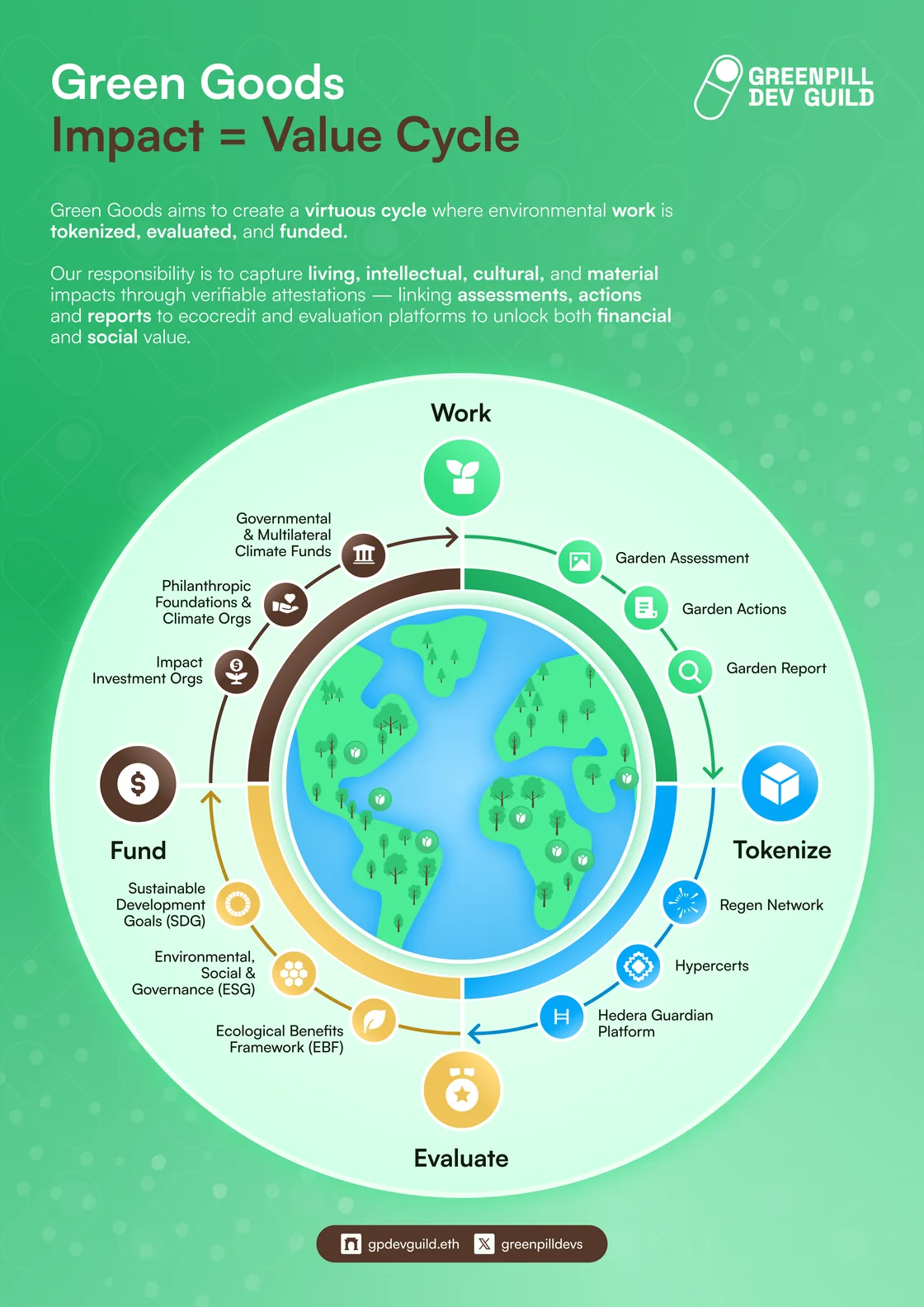
Approved work is what the funding side builds on: it can be bundled into a hypercert, and it is what the flows moving through vaults and jars are there to support. The garden's assessment sits upstream of all of it, not downstream: an evaluator or steward records the baseline and targets before work begins, and approved work is read against them. The community docs' How It Works tells this same story in product language.
Next steps
- Data Model & Ontology for every entity and lifecycle this trace touched.
- EAS integration for the resolver mechanics in depth.
- Getting Started to run the app yourself and follow a submission from the PWA.